
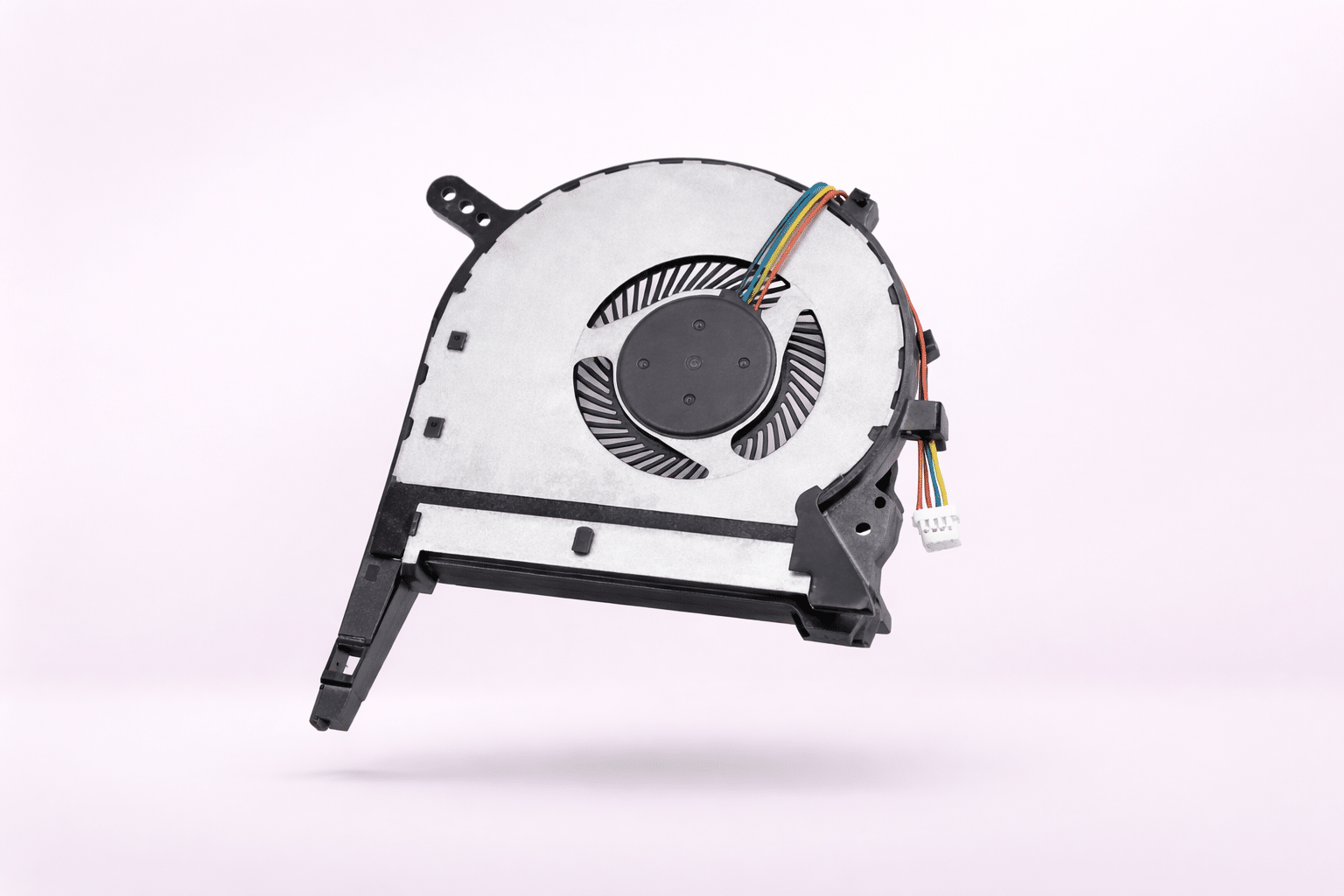
Expert HP Laptop Fan Repair & Noise Reduction
If you are wondering "How to fix HP laptop fan issue?", the answer starts with a professional cooling overhaul. HP laptops, particularly the Pavilion and OMEN series, are prone to dust accumulation that creates a "carpet" between the fan and the heatsink. We follow the thermal maintenance standards outlined by the official HP Support UK team to ensure your hardware remains within safe operating temperatures. At Atlantis, we don't just swap parts; we restore the entire thermal path. Our HP laptop repair service ensures your machine runs as quiet as the day you bought it.
Meet Your Atlantis Technician
Every HP cooling repair is handled by an Atlantis technician with decades of experience. We understand that HP Envy and Spectre models require delicate handling of internal ribbons, while OMEN rigs need industrial-grade thermal paste application. We also provide specialist MacBook repairs and complex motherboard work in our Canterbury workshop.
The Parts & Materials
We use high-grade components to ensure a permanent fix:
- Original-Spec HP Fans: Guaranteed to match the exact airflow and pin-configuration of your model.
- Arctic MX-6 Thermal Compound: Superior heat transfer compared to factory-applied paste.
- Anti-Vibration Bearings: Selected specifically to resolve loud "whirring" or grinding noises.
Our Professional Repair Process
Your Atlantis technician follows a strict 5-step cooling restoration protocol:
- Thermal Stress Test: Benchmarking current heat levels to confirm the fault.
- Internal De-dusting: Full removal of debris from the motherboard and chassis.
- Heatsink Scrub: Chemical cleaning of the copper cooling fins to restore airflow.
- Fan Installation: Precision fitting of the new HP-matched cooling unit.
- Burn-in Test: Ensuring the laptop remains stable and quiet under full load.
Warranty & Hardware Safety
1-Year Warranty: All HP fan repairs are backed by our 12-month parts and labour warranty.
Safe Return Shipping: We protect your laptop during transit using secure boxes and multiple layers of bubble wrap for maximum impact absorption.
Data Privacy: We do not require your password. Your data remains strictly confidential and untouched.
Verified Customer Reviews
⭐ "Quality of repair is second to none"
"Found Atlantis through a search... the quality of repair is second to none. My laptop was running hot and the [Atlantis technician] sorted it quickly. Knowledgeable and helpful throughout." — David
⭐ "Saved me a fortune"
"I thought I’d need a new laptop because of the noise and heat. Atlantis replaced the fan and serviced the internals. Saved me a fortune compared to buying new. Highly recommend." — Sarah
National Pre-Paid Postal Service
- 1. Free Label: Get a pre-paid Royal Mail tracked label via email instantly.
- 2. Safe Shipping: Drop your securely bubble-wrapped HP at any Post Office.
- 3. Fast Return: Tracked return delivery once repaired, usually within 3-5 working days.
Questions and Answers
Why is the HP fan so loud? This is often caused by dust blockages forcing the fan to work harder, or dry bearings creating a grinding noise. A professional clean and fan replacement is the only way to restore silence.
Is it worth replacing a laptop fan? Absolutely. Replacing a fan costs significantly less than a new laptop and prevents the CPU from burning out due to heat.
How to fix HP laptop fan issue? While you can try compressed air, a permanent fix requires opening the laptop, cleaning the heatsink fins, and replacing the fan unit itself—a task best handled by an Atlantis technician.
Do I get a warranty? Yes, we provide a full 1-year warranty on all HP fan replacements.
People Also Ask
How do I stop my HP laptop fan from being so loud? Ensure the vents are clear and the internal thermal paste hasn't dried out. If the noise is a "grind," the fan motor has failed and needs a professional replacement.
Does a loud fan mean my laptop is broken? Not yet, but it's a warning sign. Overheating will lead to random shutdowns and eventual motherboard failure if ignored.




Reviews
There are no reviews yet.