
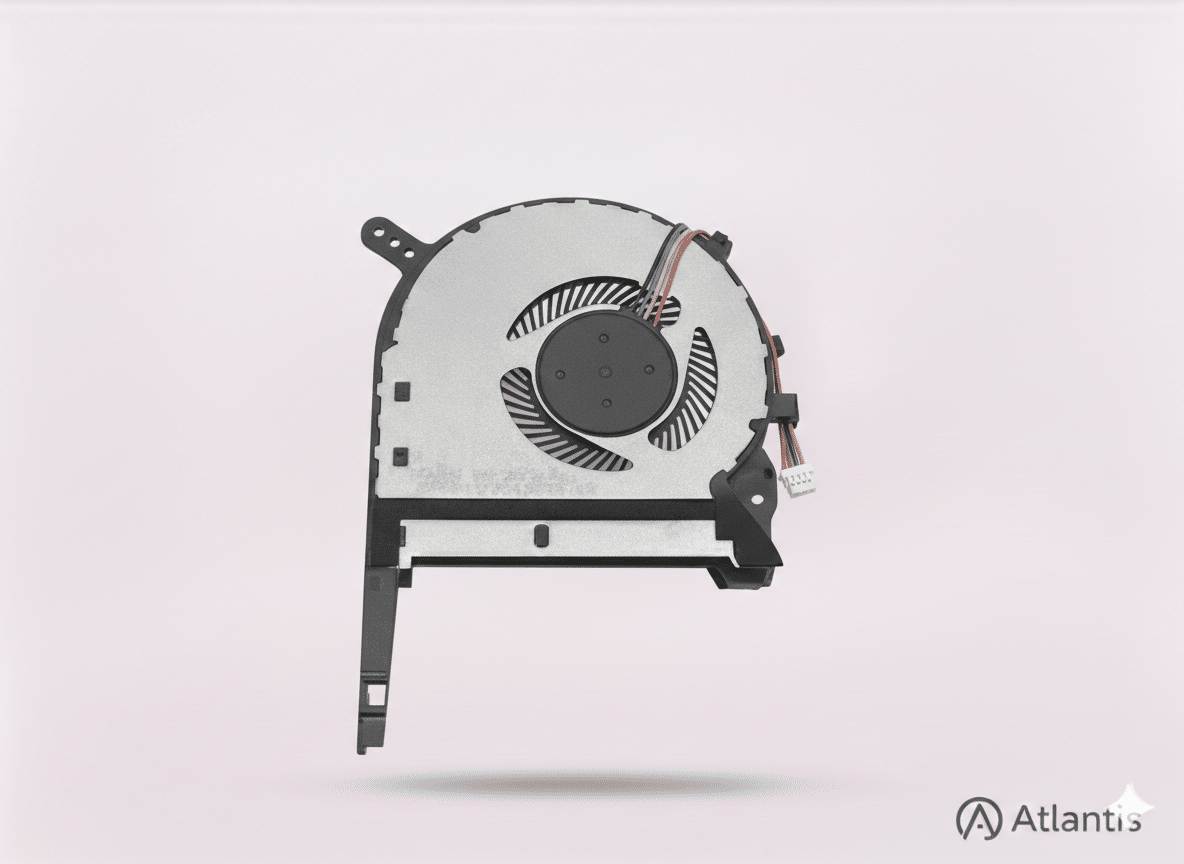
Professional Acer Laptop Fan Repair & Cooling Overhaul
A noisy or failing fan is the leading cause of hardware death in high-performance Acer laptops. When bearings wear down, they create a distinct grinding sound, preventing the fan from reaching the RPMs needed to dissipate heat. This leads to “thermal throttling,” where your CPU and GPU slow down to avoid melting, causing lag in gaming and random shutdowns. At Atlantis, we specialise in the dual-fan cooling systems found in Acer Nitro and Predator models, ensuring your machine stays cool under pressure.
Meet Your Atlantis Technician
Every Acer cooling repair is completed by an Atlantis technician with over 20 years of experience in laptop hardware. We don't just "blast out dust"—we strip the unit down, clean the heatsink fins, and ensure the thermal path is 100% efficient. If you have other devices, we also provide expert MacBook repairs and general laptop servicing in our Canterbury workshop.
The Parts & Materials
We believe a repair is only as good as the parts used. For your Acer laptop, we provide:
- High-Quality Replacement Fans: Specifically sourced to match Acer's original RPM and CFM specifications.
- Premium Thermal Compound: We use high-performance thermal paste to replace factory-standard paste, resulting in lower temperatures.
- Precision Bearings: Our fans are selected for long-term reliability and silent operation.
Our Professional Repair Process
Your Atlantis technician follows a strict multi-step process to ensure a perfect result:
- Initial Thermal Diagnostic: We measure current running temperatures to identify cooling bottlenecks.
- Deep Internal Clean: We remove the motherboard or cooling assembly to clear dust from "blind spots".
- Heatsink Restoration: Clogged heatsink fins are chemically cleaned to restore maximum airflow.
- Component Replacement: Faulty fans are swapped and tested for balance and noise.
- Stress Testing: We run 30-minute thermal benchmarks to ensure stability.
Warranty & Hardware Safety
1-Year Warranty: All Acer fan repairs come with a full 1-year warranty on both parts and labour, giving you total peace of mind.
Hardware Protection: Every laptop is handled with care. For return shipping, we use secure boxes with multiple layers of bubble wrap to ensure your device is protected from impacts during transit.
Data Privacy: Since this is a hardware cooling repair, we do not require your password. Your files and personal data remain strictly confidential.
Verified Customer Reviews
⭐ "Works like a dream"
"My mother had an issue with her laptop overheating, so I took it here and the [Atlantis technician] cleaned it and reapplied some thermal paste just to make sure, Now the laptop works like a dream." — Michael
⭐ "Easy ordering and postal info"
"Prompt response to initial question. Easy ordering and postal info. Laptop was returned the same week and is like new. Great old style service and very reasonable prices! Thanks." — Z ZB
National Pre-Paid Postal Service
We make it simple to get your Acer repaired anywhere in the UK:
- 1. Free Label: Receive a pre-paid Royal Mail tracked label via email after checkout.
- 2. Safe Shipping: Drop your securely packed Acer at any UK Post Office.
- 3. Fast Return: Repaired in our workshop and returned via tracked delivery, usually within 3-5 working days.
Questions and Answers
Is there a warranty on this repair? Yes, we provide a 1-year warranty on all fan replacements, covering any mechanical failure of the new part.
How do I send my Acer laptop? Complete your order on our website to receive your pre-paid label. Pack your laptop securely and drop it at any Post Office.
How is my laptop protected during return shipping? We use secure boxes with protective bubble wrap and return your device via Royal Mail Tracked delivery.
Why is my fan grinding? This indicates bearing failure in the motor. A full replacement is the only reliable way to fix the noise.
People Also Ask
How much will it cost to fix a laptop fan? Acer fan repairs typically range from £60 to £110. It is a vital investment to avoid motherboard failure.
Is it worth replacing a laptop fan? Absolutely. It is a relatively inexpensive part that prevents the CPU from reaching critical temperatures and dying.


Reviews
There are no reviews yet.